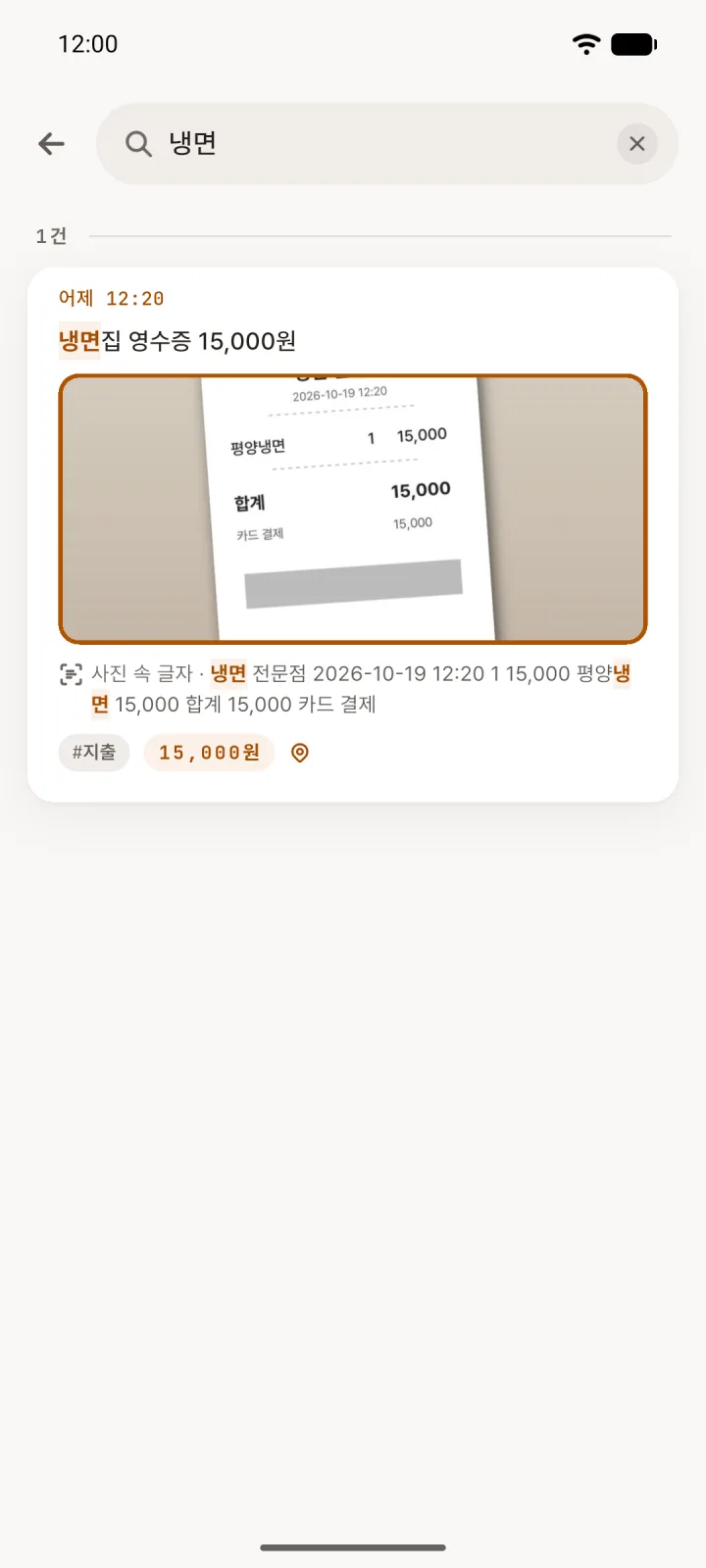
Search the text in your photos
Attach a receipt, a note or a manual, and Loggle reads the text in the photo on your phone. Search a word on the receipt and the entry comes up.
Korean initial-consonant search works, and spacing doesn’t matter.
Jot down the small things that pass by — an oil change, what you had for lunch, when you took your medicine. The time is saved for you, and search brings it back later.
Android app · In closed testing on Google Play
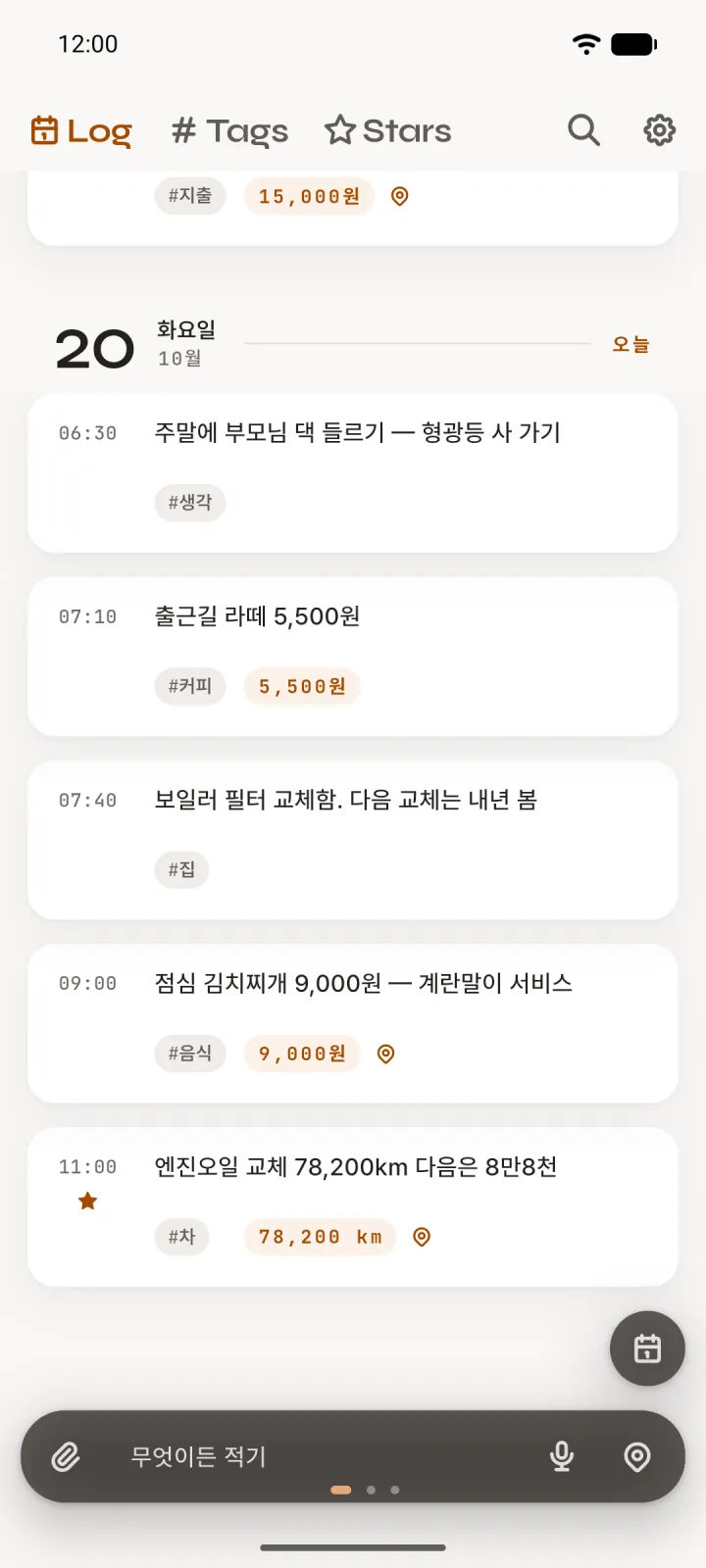
The app is in Korean for now; the screens below show the Korean interface.
Attach a receipt, a note or a manual, and Loggle reads the text in the photo on your phone. Search a word on the receipt and the entry comes up.
Korean initial-consonant search works, and spacing doesn’t matter.
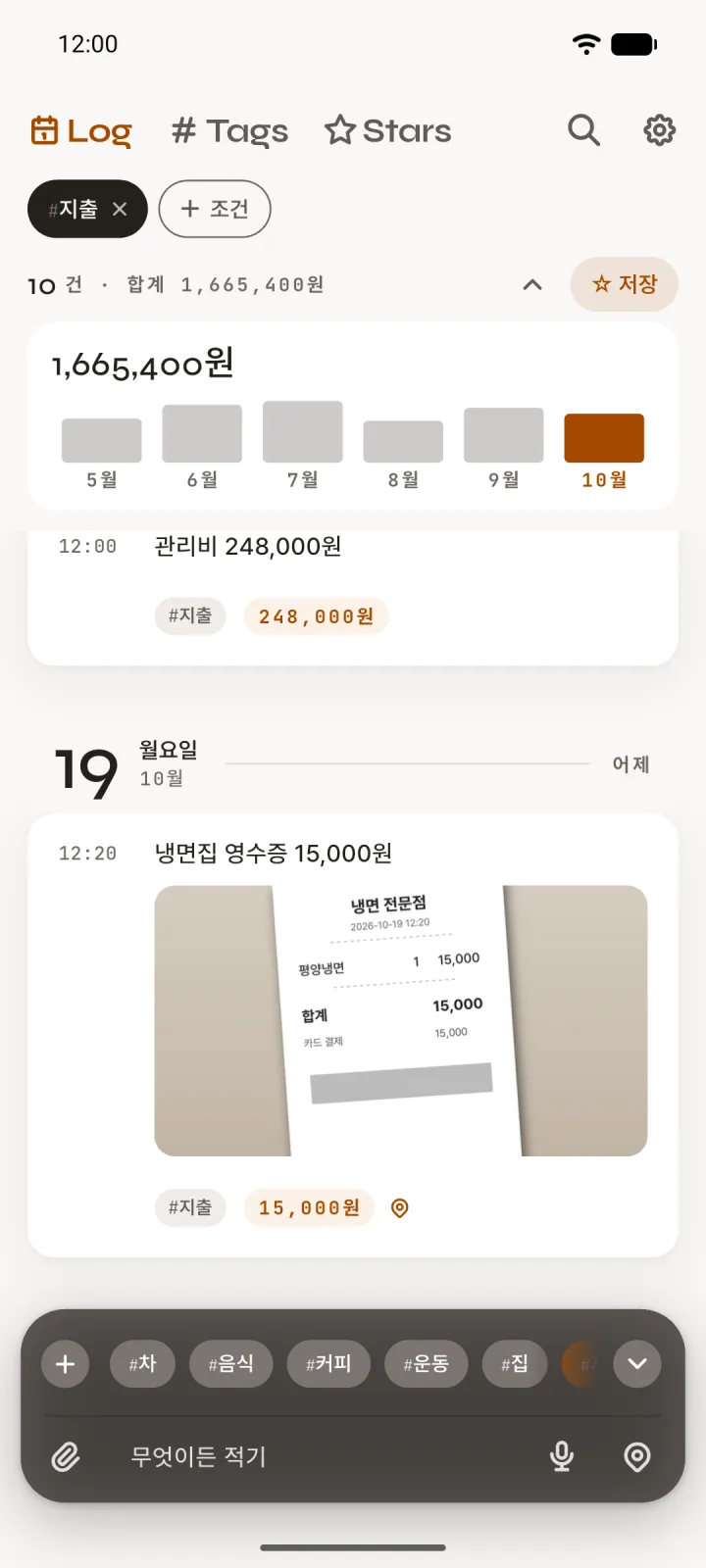
Add a #tag and like entries gather together. Loggle picks amounts, distances and durations out of what you wrote and adds them up.
Filter your spending tag to see what you spent each month.
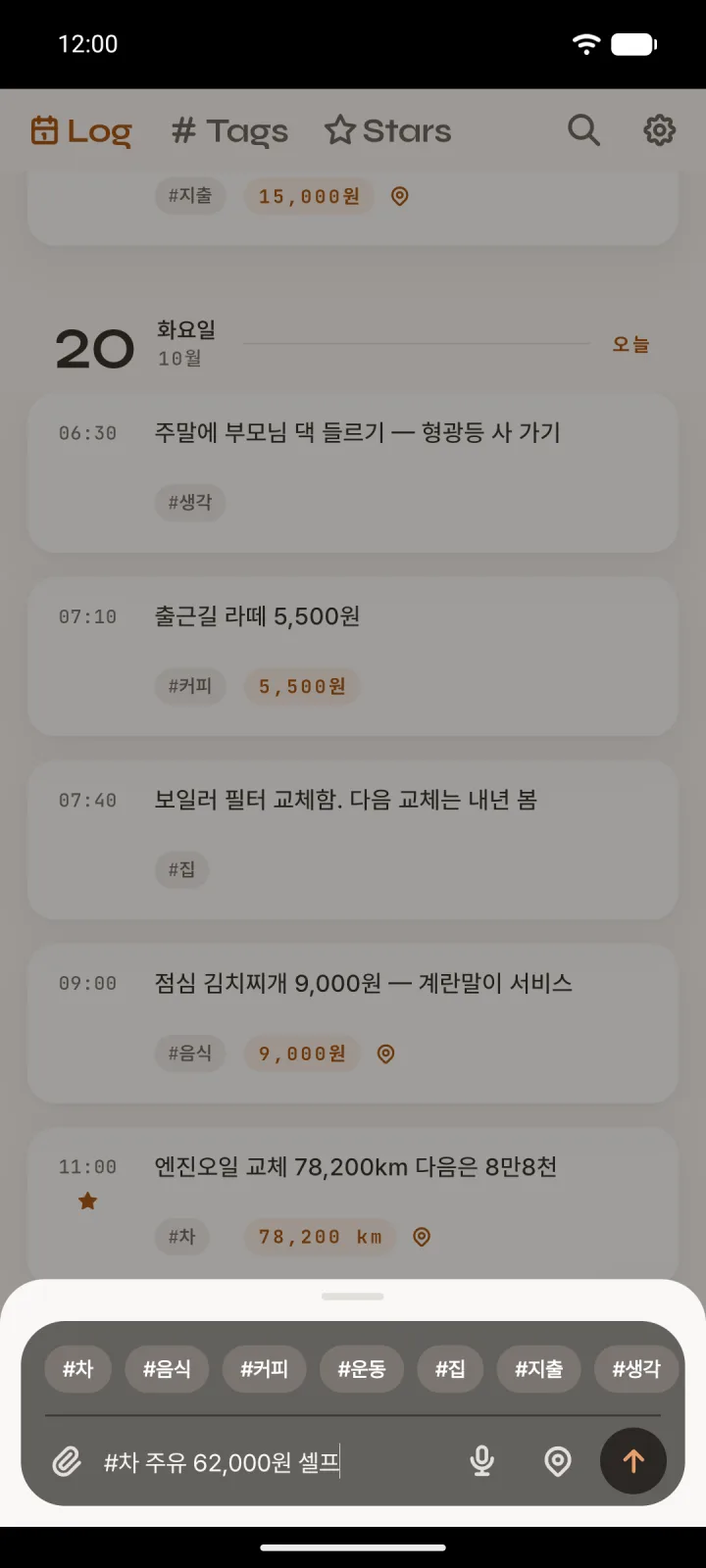
Tap the notification or the home-screen widget and the entry box slides up. You can also write by voice.
Tap 📍 to add the name of your neighborhood. Loggle looks it up only when you tap, and keeps no coordinates.
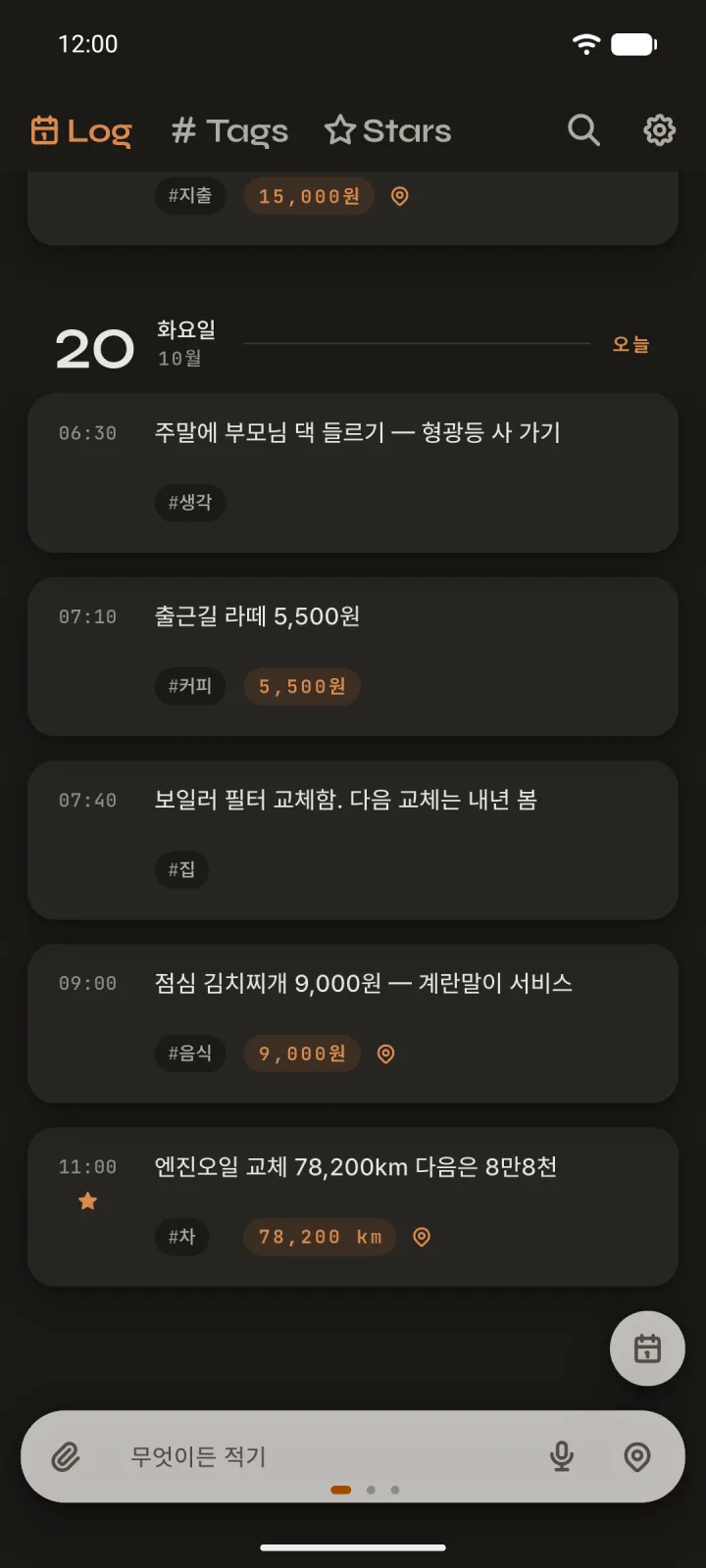
Follows your phone’s dark theme.
Loggle has no server and no accounts. Your entries and photos stay on your phone; copies exist only in Android device backup and in backups you choose (files you export, your own Google Drive).
Read the Privacy Policy (Korean, with an English summary)